
Quick Search
This is the simple search, it is accessed via the "Google style" search box at the top of the home page:
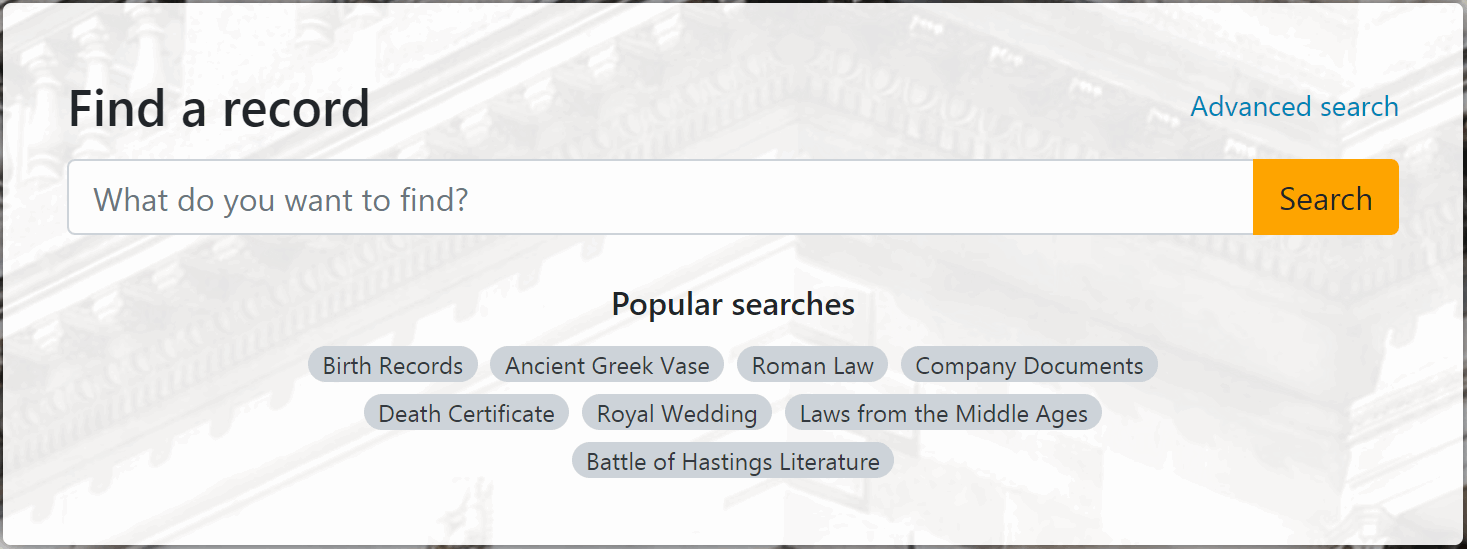
To perform a simple search, users type one or more search terms into the search box and click the Search button.
The simple search is designed to search one database at a time; either Catalog, Persons or Places. The Catalog database is searched by default, but you can select one of the other databases using the Configurator.
To select a database for the simple search:
- In the Configurator, select Datasource, DataGroups, CalmView, followed by the
name of the database you require, for example Persons or Places
- Tick the 'Quick search' option in the right hand pane
- Click the Save button
Please note: When changing the database for the simple search, you must also deselect the previously set database. For example, remove the tick from the Quick search option under Catalog if you wish to activate the simple search for the Persons or Places database.
The fields searched by default are; Title and Description in the Catalog database, PersonName in the Persons database and PlaceName, Code and Set in the Places database. It is possible to configure the simple search to search different fields, however it is recommended that only 2 or 3 fields are used for simple searches; adding more fields may affect the speed of search performance.
When you choose the Quick Search option in the Configurator, a screen as shown in this Catalog database example will appear:
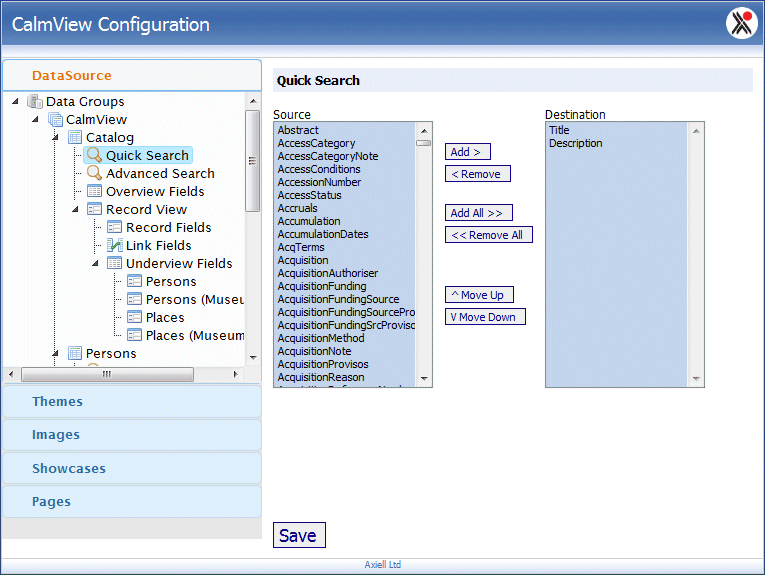
Fields shown in the 'Destination' list are the ones already included in the simple search for this database. Fields shown in the 'Source' list are available to add.
To add a field to the Quick Search:
- Highlight the field in the Source list
- Click the
 button
 - Click the
 button
To remove a field from the Quick Search:
- Highlight the field in the Destination list
- Click the
 button
 - Click the button
You will see that the field moves to the Source list, it will no longer be included in the
Quick Search.
The fields searched on during simple searching should be fields that you have
chosen to display as part of your full record view. We recommend
choosing commonly used fields such as Title or Description in the Catalog
database.
Please note:You should not add 'Any text' to this search as that could make CalmView search fields that you haven't chosen to display.